

Intake & approval
LinearThe routine fires instantly, a human still signs off before anything leaves the building.
Drag the real steps onto an infinite canvas, name who decides what, record the platform, model and tools it runs on, then press export. Out comes a brief, a PRD, a JSON schema, a build checklist and a skill package your builders and AI agents can act on the same day.
Rename a step, change an owner, watch the exported handoff update as you type.
01 · Step on the canvas
Retainer or project?
decision · Account Lead
02 · Detail in the inspector
03 · Exported brief
## 3. Retainer or project?
type: decision · owner: Account Lead
- Yes → recurring cadence
- No  → milestone plan
A visual workflow turns scattered conversations into agreed ownership, systems, rules, data, approval points, edge cases and acceptance criteria — before developers or AI build platforms start. The work gets discussed once, in one picture, instead of being re-explained in every thread.
Build from a vague idea
A broad prompt, missing rules, and assumptions nobody wrote down.
Map it first
The work becomes visible before anyone starts building.
Build from the blueprint
Developers and AI builders start with a testable brief.
Honest about what this does
MapYourFlow does not make AI credits inherently cheaper and does not promise a fixed saving. It helps teams avoid avoidable credit use and rework caused by vague prompts, incomplete requirements, repeated regenerations, blind revisions and unclear handoffs. The outcome is more intentional use of credits and build time, faster approvals, and a handoff that is useful for both people and agents.
Automate the repeatable part. Keep a person responsible for the result.
Make the handoff visible.
Start with the work—not another tool.
No training session required — the board teaches you what a builder needs as you go.
Open a template or a blank board
Pick the closest starting point, then rename steps to match how the work actually happens today.
Shortcut: press ? on any board for the full keyboard cheat sheet.
Drag the steps and connect them
Drop Trigger, Action, Decision, Approval, Integration, Agent, Model, MCP, Subflow and Guardrail blocks, then drag from a node handle to draw the connection.
Adding an Integration, Tool or Data Store opens a short setup prompt so the system and endpoint never stay blank.
Fill in the inspector
Owner, inputs, outputs, rules, edge cases and acceptance criteria. Anything unresolved is marked TBD instead of guessed.
Required fields glow on the canvas until they are answered, and schemas are validated inline.
Set the Build Context
Choose the platform, framework, model provider, tools, knowledge, deploy channel and observability — then tick off the build decisions checklist.
Share a read-only link so stakeholders can watch the checklist fill in, or diff it against a saved version.
Pass preflight, then export
Readiness and preflight list every blocker and link straight to the node that needs an answer. Then export a brief, PRD, JSON schema, checklist report or .skill package.
Exports can be scoped to a sub-flow, include branch names and attachments, and save to Google Drive.
Every board carries the decisions that usually live in someone's head: the platform, the framework, the model provider and routing intent, the connected systems, the knowledge it reads, where it ships, and how it's monitored. Pick from 69+ curated options or type your own — then every export compiles them into an implementation checklist instead of a wish.
Build platforms
14Lovable, Cursor, n8n, Flowise
Agent frameworks
10OpenAI Agents SDK, LangGraph, Vercel AI SDK
Model providers
10OpenAI, Anthropic, Google, Groq
Tools & systems
14Slack, HubSpot, Drive, MCP server
Knowledge sources
8Docs, database, web search
Deploy channels
7Internal tool, API, Slack bot
Observability
6Langfuse, LangSmith, PostHog
Anything missing
Type a custom platform, provider or system and it travels through the exports exactly as you wrote it.
A checklist that knows what you already decided
Build Context is compiled into build tasks across environment, model, tools, knowledge, deployment and observability. Each one lands in one of three states.
Answered
The board already settles it — a model provider is chosen, a tool is named, a guardrail exists. It ticks itself.
Confirmed
Nothing on the board proves it, but a human decided it. Tick it, add a note, and the export records who settled it and when.
Open
Still undecided. It shows as an explicit open decision in the build spec — and can block the export entirely.
Pre-export preflight
Exports stop when required fields are missing or the context contradicts itself — an Anthropic model under an OpenAI-only provider, a tool with no auth method, a decision with unlabelled branches.
Optional completion gate
Flip one switch and no export leaves the board until every build decision is settled. Useful when a client or an agency handoff has to be airtight.
Read-only share links
Send a revocable link so a stakeholder can watch the checklist fill in — without an account, and without access to anything else in your workspace.
Version diff
Compare today's checklist against any saved version to see exactly what got settled, what changed, and what quietly reopened.
Why it matters
Most handoffs fail on the unwritten parts — which model, whose API key, what happens when the tool times out, who signs off. Build Context turns those into named, tickable, shareable decisions with a completeness score, so the person or agent who builds it never has to guess and never silently invents an answer.
Every workflow you run is a mix of these. The language stays shared across ops, delivery and engineering.
Trigger
What starts this workflow
Action
A step someone or something does
Decision
A branch with Yes/No paths
Human Approval
A person must sign off
Integration / API
A system-to-system call
Data Store
Where data lives
Deliverable
An output or artifact
Note / Context
Background for builders
Group / Swimlane
Groups related steps
Agent / Worker
An AI worker with a job to do
Tool Call
A function the agent may call
Knowledge / Retrieval
Sources the agent can read
Memory / State
What is remembered, and for how long
Guardrail / Policy
Limits the agent must respect
Evaluation / Quality
How we prove it works
Model / Routing
Which model runs this, and the fallback
MCP / Connector
A connected system and its allowed actions
Subflow / Reusable Skill
A packaged flow reused elsewhere
Deploy / Channel
Where people or systems invoke this
Snap the blocks together and the shape of the work becomes obvious — to ops, to delivery, to engineering, and to the agents you hand it to.
The routine fires instantly, a human still signs off before anything leaves the building.
Both paths get named, so nobody guesses what happens on the exception.
An agent acts inside explicit tool boundaries with prohibited actions written down.
Show the integrations, the record of truth, and the artifact the client actually gets.
When the SLA lapses, the work climbs to a named person instead of stalling silently.
A cadence that repeats without re-explaining the work every single month.
Responsibility, inputs, outputs, rules, tools, acceptance criteria and the explicit human approval. Capture it once and you stop re-explaining it in three meetings.
Pick any field to see it filled in on the card.
Spin up client workspace
Operations · within 1 business hour
Description
Create the client workspace and invite the delivery pod.
The same board compiles into the documents a developer, an agent builder or a coding agent can act on — with unanswered decisions marked instead of guessed.
Steps, owners, branches
The flow your team already runs — drawn once, agreed once.
board · 24 nodesBrief, PRD & JSON
Inputs, outputs, rules, edge cases and acceptance criteria per step.
workflow-prd.mdArchitecture & .skill
Orchestration, tool boundaries, approvals and an output contract.
SKILL.mdProof it works
Happy paths, branch coverage, failure and recovery cases.
eval-plan.mdAnything customer-facing or costly waits at a named approval node. The map records who approves, on what evidence, and what happens if they say no — so builders implement a pause instead of assuming one.
Teams tell us this is where rework usually comes from — results vary by process.
Draft the refund reply
Confidence 0.71 · below 0.85
Support lead reviews the refund
Sees: order history, policy clause, drafted reply. Rejects → back to the agent with a reason.
Reply sent to the customer
Logged with approver + time
Map designs the work and gathers the setup. WatchYourFlow runs the known, versioned recipe. Two recipes are in internal testing today — Prepare Client Update, and Product Package → Quote → Proposal. The builder prepares an import-ready setup file; nothing is sent, uploaded or run from here.
Business users map the work in plain language. Builders receive structured data contracts, tool permissions, guardrails, approval gates, evaluation tests — and every unresolved decision marked as an explicit TBD instead of a confident guess.
Visual workflow
Drag Agent, Tool Call, Knowledge, Memory, Guardrail and Evaluation nodes next to your human steps.
Trigger → Agent → Tool → ApprovalAgent architecture
Orchestration, handoffs, state, permissions, knowledge, memory, failure handling and risks — written out.
agent-architecture.md.skill package
A valid SKILL.md with YAML frontmatter, tool boundaries, approval checkpoints and an output contract.
SKILL.md + references/Eval plan
Happy paths, branch coverage, tool timeouts, malformed input, prompt injection, leakage and recovery.
eval-plan.mdNothing gets invented
A live Builder Readiness score flags missing auth scopes, unlabelled decisions, absent input/output schemas, missing failure handling and risky automation with no human approval — each finding links straight to the node that needs an answer.
All 9 templates ship with realistic steps, owners, branch logic and acceptance criteria — edit instead of starting from a blank page.
Client Onboarding
From signed agreement to kickoff-ready account.
9 steps · 10 connections
Client Expectations
Set, document, and defend scope expectations.
8 steps · 8 connections
Marketing Projects
Intake, prioritise, produce and publish marketing work.
9 steps · 10 connections
Automation Build
Turn a manual process into a shipped automation.
10 steps · 10 connections
Campaign Launch
Coordinate a multi-channel campaign from brief to recap.
9 steps · 10 connections
Sales / Quote / Art Approval
Quote, proof, approve and hand off to production.
11 steps · 12 connections
Team Collaboration Process
Cross-functional work with one decision owner, visible blockers and a clean handoff.
17 steps · 18 connections
Customer Support & Issue Resolution
Answer calmly, own the issue, and close the loop with the person who raised it.
16 steps · 18 connections
Client Outreach
Thoughtful, well-timed touchpoints — relationship work, never mass sending.
16 steps · 20 connections
The board is the source of truth. Export turns it into exactly the document each audience needs — no retyping, no lost context, no invented requirements.
For the team: ordered steps, branch logic, dependencies and open questions.
## 3. Retainer or project?
type: decision · owner: Account Lead
- Yes → set recurring cadence
- No  → build milestone plan
risk: budget owner unnamed
depends on: 2. Spin up client workspace
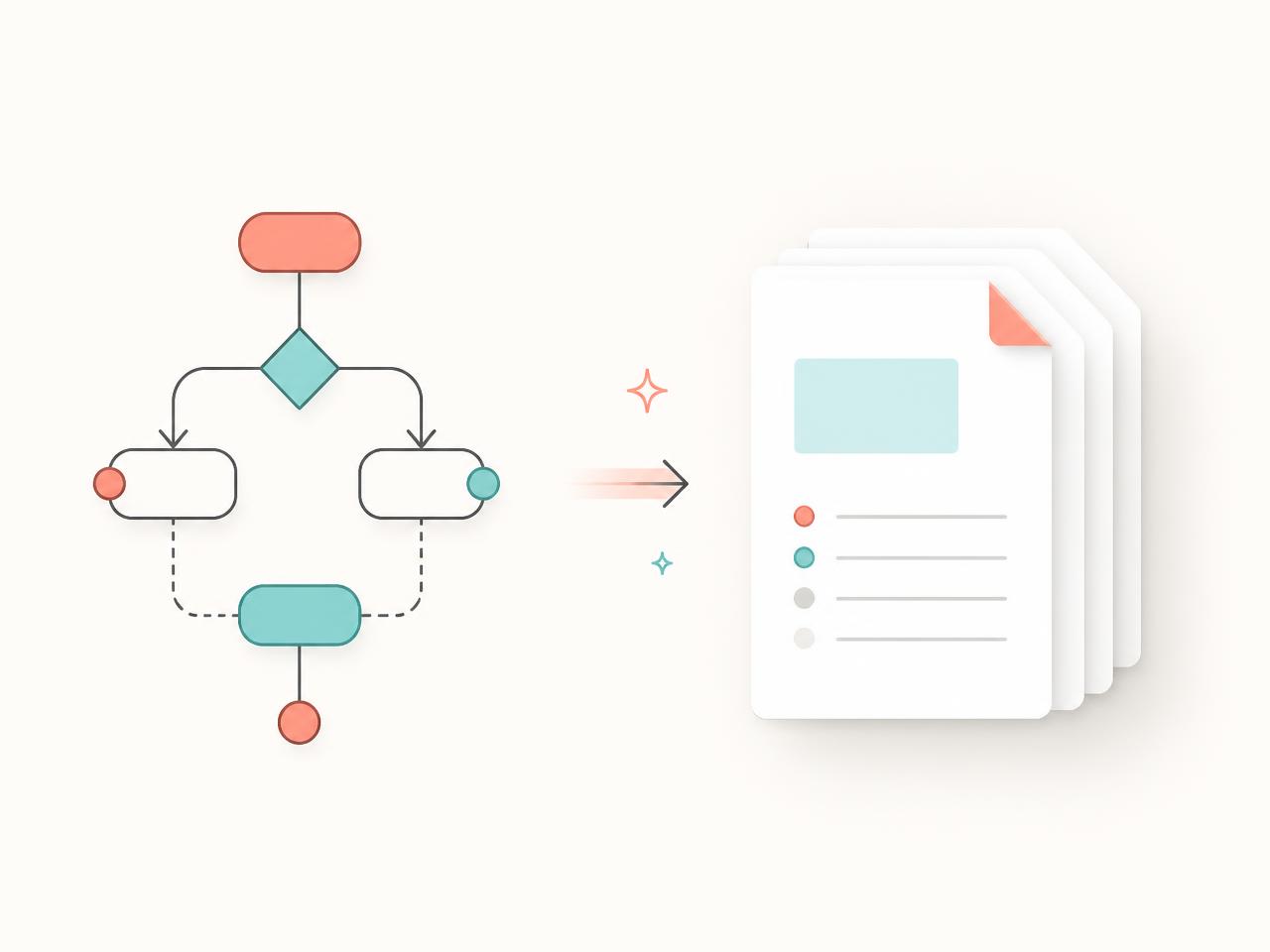
Same board, every audience
Change a rule on the canvas and every export updates with it. Unresolved items stay marked TBD instead of being quietly guessed by an AI.
Before · a vague prompt
“Build us an onboarding automation that sets things up when a client signs, and let someone approve it.”
Result: assumptions, regenerations, and a review that starts from scratch.
After · a blueprint
5 steps · 2 branches · 3 systems · 1 approval gate · 4 acceptance criteria · 1 open question flagged
Result: a scoped build, a testable brief, and a handoff people and agents can both read.
Still unsure? Request access below and tell us what you're trying to map.
Sign in with Google, open a template, and have a build-ready handoff before your next standup. Be Human Again — automation carries the routine, people keep judgment and accountability.
Early access is opening in waves to the Synced Up team and invited partners.
Sign up below and we'll email you the moment your wave opens — no payment needed during early access.